WEEK 3: Object Behavior Modification and Adding Motives
Working With Sounds and Animations (continued)
In their place type in the name of the adult animation
we wrote down in our notebook earlier, and you can delete the words found in the
box immediately beneath.
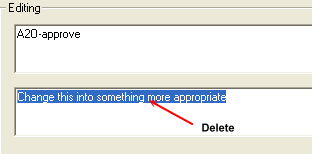
Fig. 1.44
Your window should now look like this:
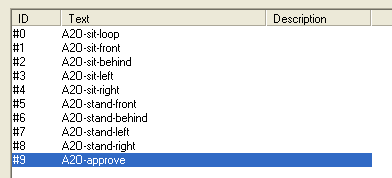
Fig. 1.45
Click OK when done. Next, we need to do the same thing for the
Child to Object animations. Double click the #130 "c2o" string, and
then add the appropriate animation in there, just as you did for the adults.
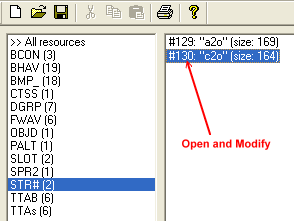
Fig. 1.46
Continued on Next Page . . .
|