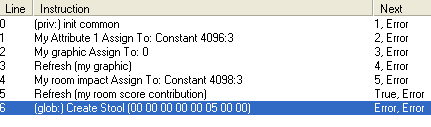
WEEK 4: Adding New Behaviors and Menu OptionsFUNCTIONS (continued)After selecting the function, click "OK", and then look at your experimental Line 6:
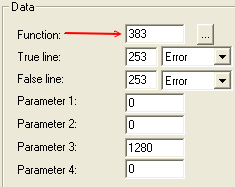
Then, look to the right at the corresponding Data Box:
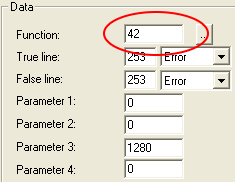
Notice how your Function changed from a 2 to a 383? Open your notebook to "Functions", and write this down: Function 383 (global): Create Stool Ordinarily, I would also include a description of what the function does, but this one is pretty much self-explanatory, so I would leave it alone. Go ahead and add as many functions to your Code Book as you wish. Now, we'll work with Function 42: Create New Object Instance. Still working in the same Data box for experimental Line 6, type the number 42 into the Function line.
|