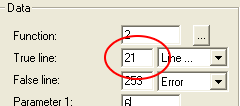
WEEK 3: Object Behavior Modification and Adding MotivesAdding Motives (continued)Also in the True line, enter the number 21 (the line to be jumped to).
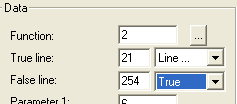
Then, from the False line drop down menu, select "True".
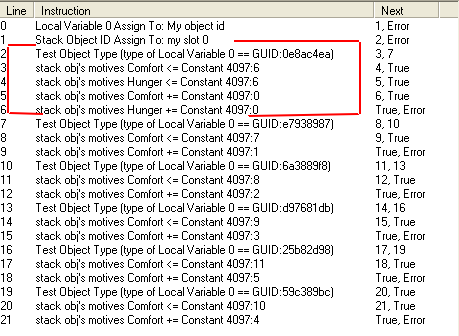
Go down to Line 21, and take a look:
The line already ends correctly with "True/Error", so we do not need to touch it. Place your cursor anywhere on the white space, right-click, and select "Rewrite". Your lines of code are now neatly in place and ready to go. Pretty cool, eh?
|