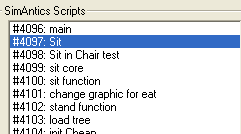
WEEK 2: Enhancing MoodsSIDE TRIP INTO SCRIPT STATION (continued)Earlier I said we would look at two behaviors different from the ones we worked with in IFF. I lied; we're going to look at #4097 again. Click OK to get out of Script Station's Editor window and get back to the main screen. Double Click #4097 "Sit" to open it up.
This is what our line of code looks like in SS. Let's compare to the view from IFF.
This is how it looked in IFF — Not much of a difference.
If you'll remember, the way we located the private sit function behavior in IFF was to select the line of code and then look over to the right at the "Data" box. SS has the same ability, but if you look to the right, all you are going to see is our handy dandy buttons. In fact, unless you happened to know how to access the window, you'd never find it. This is because SS was released by the creator of the program before the program was completed. He did this due to demand for the program. Had we allowed the creator to finish the job, we might have gotten something much better. Double click line 1 (bound in red).
|